
Feedback
freeTrialImage.bannerPity
freeTrialImage.upgradeUnlock
- ✓freeTrialImage.benefitHd
- ✓freeTrialImage.benefitWatermark
- ✓freeTrialImage.benefitUnlimited
Krea 3
Try Krea 3 free: mix up to four photos, retouch only the spot you describe, and export crisp 2K frames from one short prompt.
AI Tools
Explore AI tools

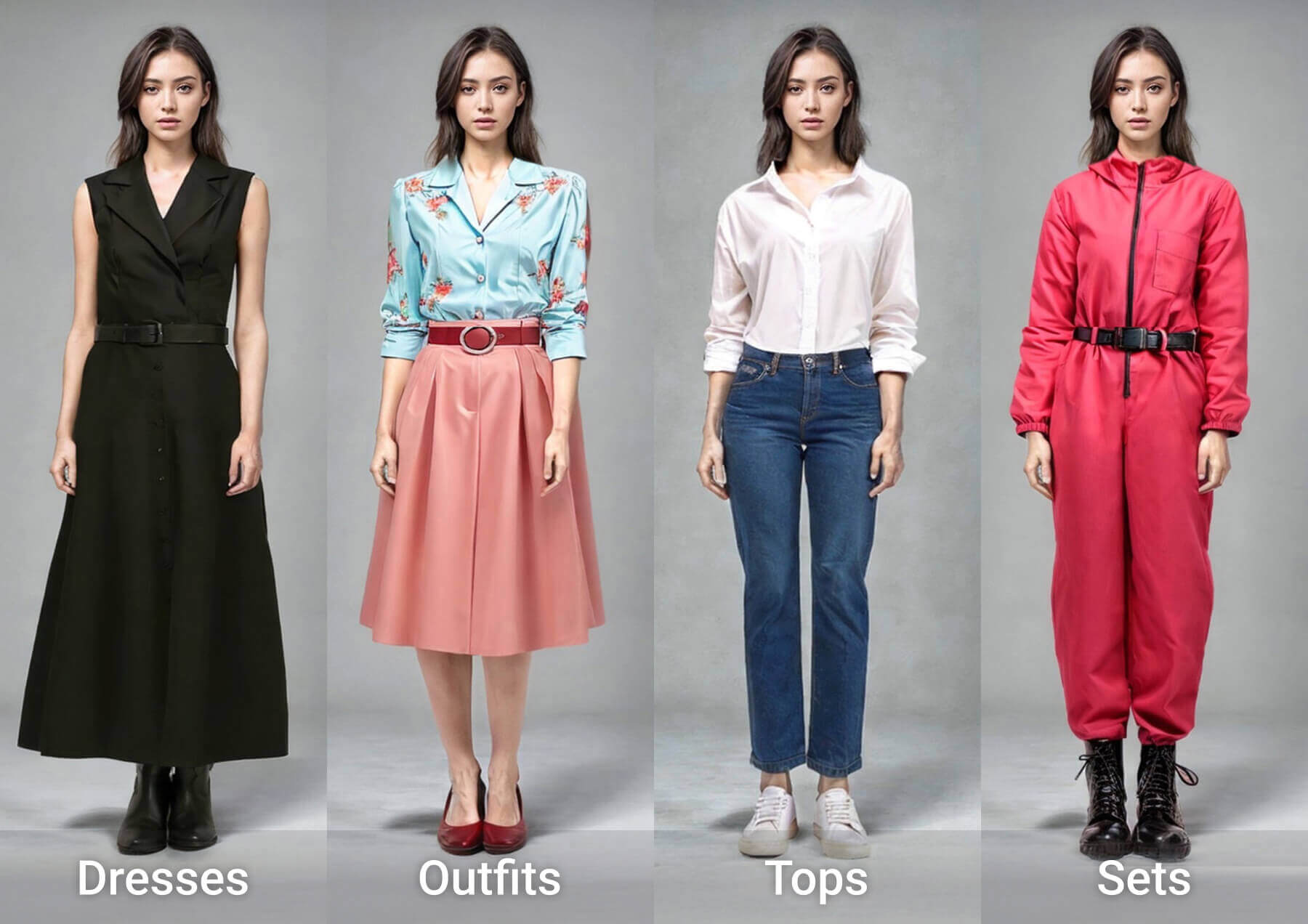

Krea 3 Turns Four Photos Into One Finished Frame
Stack a handful of references, describe a single swap, and the tool keeps every other pixel of your picture exactly where you left it.
- Stack multiple referencesNumber your uploads, then let Krea 3 lift a face, a garment or a product out of one shot and drop it into another.
- Selective, spot-level tweaksCircle in on a scarf, a doorway or the sky; faces, shadows and daylight elsewhere stay untouched.
- Borrow a look, keep a seriesAdopt the grain, palette or painted finish of your references — or carry one layout across a whole run of new editions.
Run a Krea 3 Edit in Three Moves
Number, describe, export — that's the whole Krea 3 workflow on Morphic.
Krea 3: Common Questions
Short answers on how Krea 3 handles references, output size and edits.
How many photos can one Krea 3 edit take?
Four at most. Number them so the model knows which shot supplies the face, the product or the outfit.
Can Krea 3 work without any uploads?
Yes. Skip the upload slots, type a prompt, and a finished 2K picture comes back anyway.
Which sizes and aspect ratios are available?
Native 2K output, with 1080p and 1440p on Morphic. Auto plus ten ratios run from 9:16 to 21:9, including a match-your-source option.
What separates Krea 3 from Krea 2?
Krea 2 dreams up something new from whatever you feed it. Krea 3 instead keeps your own photo as the base and pulls subjects, products and palettes from the extra images you attach.
When can I use Krea 3 on Morphic?
It is still rolling out. Until then, Nano Banana Pro and GPT Image 2.5 handle edits and Krea 2 handles generation on the same Canvas. The samples on this page came from Nano Banana Pro.
What stays untouched when Krea 3 edits a photo?
Anything you don't mention: the crop, walls, existing light, a pose, the street, a building, a window, headline type, fine print. Only the element you single out moves.
Put Krea 3 to Work on Your Photos
Free to start, cancel whenever you like. Krea 3 is on its way to Morphic; Nano Banana Pro, GPT Image 2.5 and Krea 2 are already running on the same Canvas.