
Report

freeTrialImage.bannerPity
freeTrialImage.upgradeUnlock
- ✓freeTrialImage.benefitHd
- ✓freeTrialImage.benefitWatermark
- ✓freeTrialImage.benefitUnlimited
Comfyui Moss Image
Comfyui Moss Image gives ComfyUI users a JSON-driven layout engine: pin objects with bounding boxes, run Base or SFT weights, and get sharp text.
AI Tools
Explore AI tools

Comfyui Moss Image: A 5B Model That Reads JSON Layouts
This five-billion-parameter text-to-image family ships with structured JSON layout control, dependable lettering, and both anime and photoreal looks.
- Bounding Boxes Wired Into the PromptStructured JSON prompts carry box coordinates that decide where objects sit, how large they grow, and where rendered lettering lands.
- Long Prompts on a Lean BackboneUp to 4K tokens of context flow through a 5B backbone, and the Base and SFT checkpoints answer to one shared sampling interface.
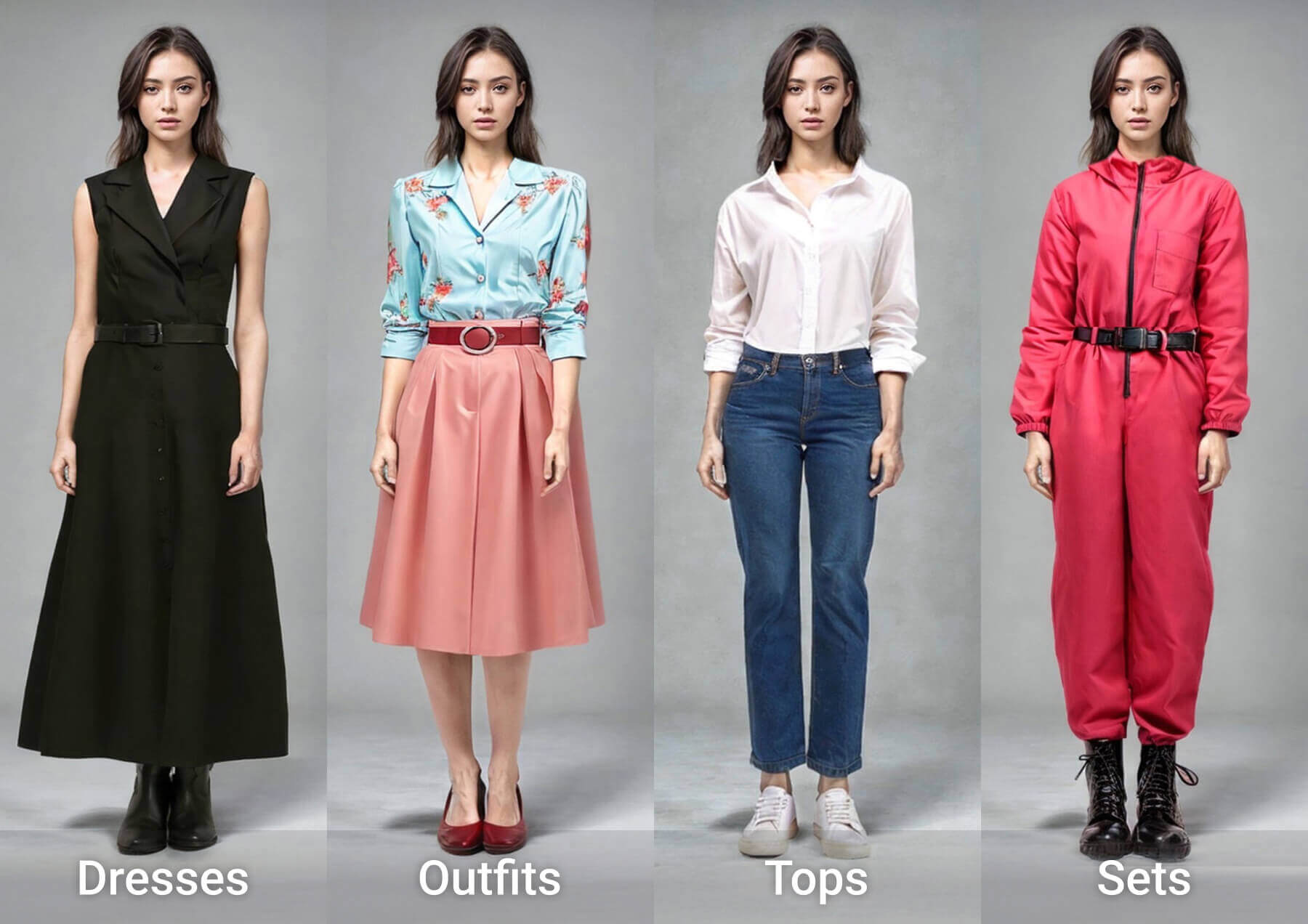
- Legible Text Across Anime and Photo LooksLettering stays readable while the model moves between anime and photoreal treatments, covering illustration, photography, and design work.
Three Steps to Your First Comfyui Moss Image Render
From plugin install to a finished layout image in three short moves.
Questions About Comfyui Moss Image in ComfyUI
Answers to the questions people ask before running layout renders in ComfyUI.
Do I need the official ComfyUI repository?
Not at all. Search MOSS-Image inside ComfyUI Manager to pull the native plugin; a listing in the official repository is still being worked on.
How is MOSS-Image-Base different from the SFT checkpoint?
They share one architecture and sampling interface; in the reference example, SFT produced tighter text grouping and a cleaner whiteboard composition.
What role do bounding boxes play in a layout prompt?
Every box fixes an element's position and size; editing the text, element descriptions, or boxes reshapes both the content and the composition.
How long can prompts be, and which styles are covered?
Prompts may run up to 4K tokens, and the model handles anime alongside photorealistic looks across text, illustration, photography, and visual design.
Which memory modes suit a low-VRAM machine?
Advanced settings expose GPU resident, Component, and Sequential modes; choose Sequential or shrink the image when memory is tight, and note Compile DiT stays off by default and is unavailable in Sequential.
Are the weights open for fine-tuning under Apache-2.0?
Yes. The 5B backbone can be fine-tuned for niche tasks and domains, and the weights carry an Apache-2.0 license, while the pipeline code and third-party parts keep their own terms.
Start Rendering With Comfyui Moss Image
Grab the plugin from ComfyUI Manager, load the sample workflow, and push a boxed JSON prompt through Base or SFT.