
Feedback
freeTrialImage.bannerPity
freeTrialImage.upgradeUnlock
- ✓freeTrialImage.benefitHd
- ✓freeTrialImage.benefitWatermark
- ✓freeTrialImage.benefitUnlimited
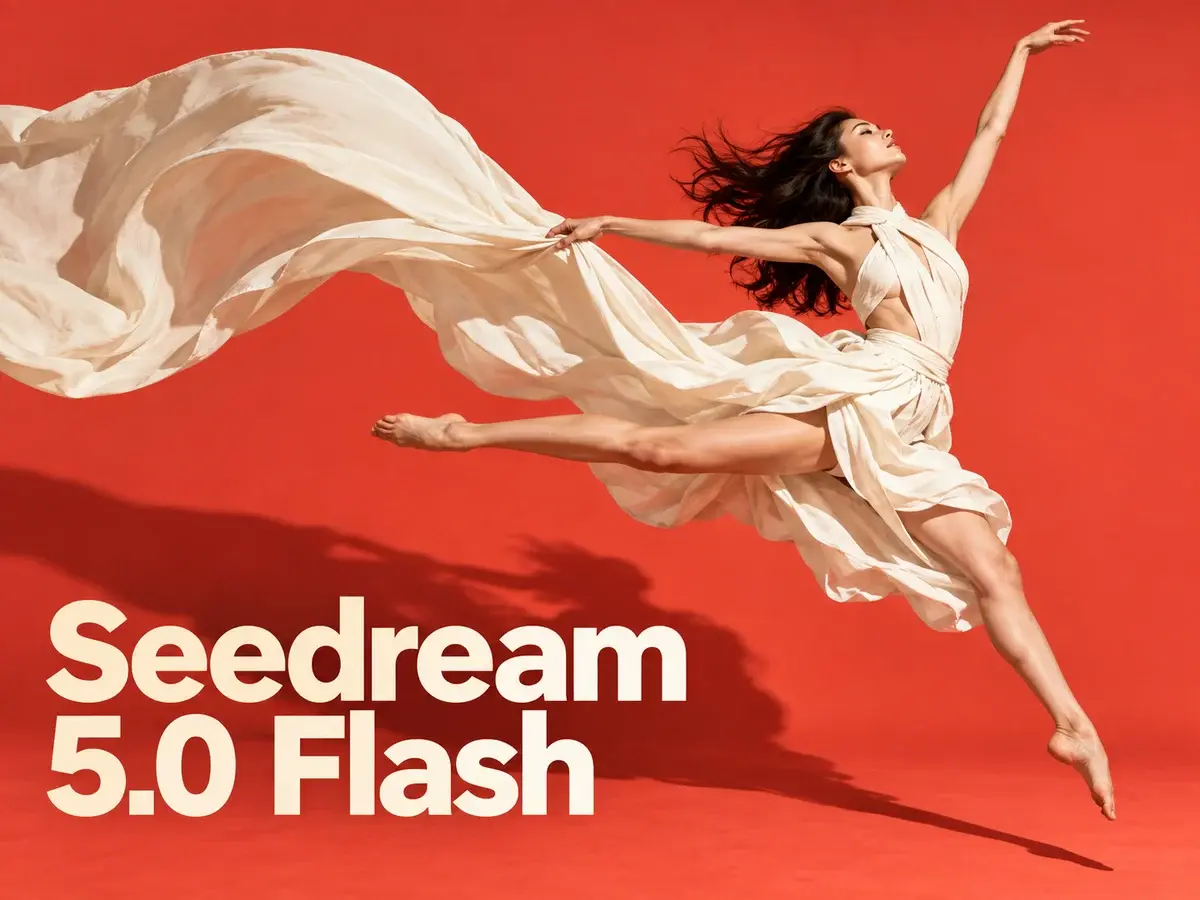
Seedream 5.0 flash
Turn a short prompt or up to ten reference shots into crisp 2K art with Seedream 5.0 Flash — multilingual text, no watermark, 3 credits an image.
AI Tools
Explore AI tools


Seedream 5.0 Flash at a Glance
The lightweight, wallet-friendly member of ByteDance's Seedream 5.0 family — made for rapid turnaround and edits that combine several reference images.
- A Faster Tier Within the 5.0 RangePositioned as the affordable option in ByteDance's Seedream 5.0 range, sitting just beneath the top-tier Seedream 5.0 Pro.
- Flat Pricing Across Every SizeWhether you export at 1K, 1.5K or 2K, the cost stays at 3 credits; edits are charged the same, and reference uploads are free.
- Blend Up to Ten ReferencesUpload as many as ten source images, describe the adjustment you need, and the model combines them into one finished picture.
Getting Started with Seedream 5.0 Flash
Three short steps take you from first idea to finished image.
Seedream 5.0 Flash: Common Questions
Straight answers about generating, editing, credit costs and export sizes.
What separates Seedream 5.0 Flash from Seedream 5.0 Pro?
Flash occupies the quick, low-cost end of the Seedream 5.0 range, whereas Pro is the flagship: maximum detail, sharper lettering and output reaching 2K.
What resolutions and aspect ratios are available?
You can export at 1K, 1.5K or 2K, and the frame options run from 21:9 widescreen all the way to 9:16 vertical.
Do higher resolutions cost more credits?
No — every resolution is 3 credits per picture. Editing carries the same rate, and uploading references never increases the total.
How many references can a single edit take?
Ten is the maximum. Supply your images, describe the adjustment, and the model blends people, products and styles into one result.
Does Seedream 5.0 Flash handle text in other languages?
It does. Clear lettering can be rendered in English or a range of other tongues — useful for posters, menus, social graphics and product mockups.
Which models make up the Seedream series?
The family covers Seedream 5.0 Pro, Seedream 5.0, Seedream 4.5 and Seedream 4, each tuned differently for fidelity, lettering and overall quality.
Give Seedream 5.0 Flash a Try
Write a prompt or upload ten references and start editing — every image costs 3 credits, arrives at up to 2K as PNG or JPEG, and references stay free.